120-Inch Laser Cinema Screen Viewing Distance Guide: Find the Right Seat
Use this 120 inch laser cinema screen viewing distance guide to find your ideal seat. Discover optimal 4K seating ranges for the best movie immersion today.
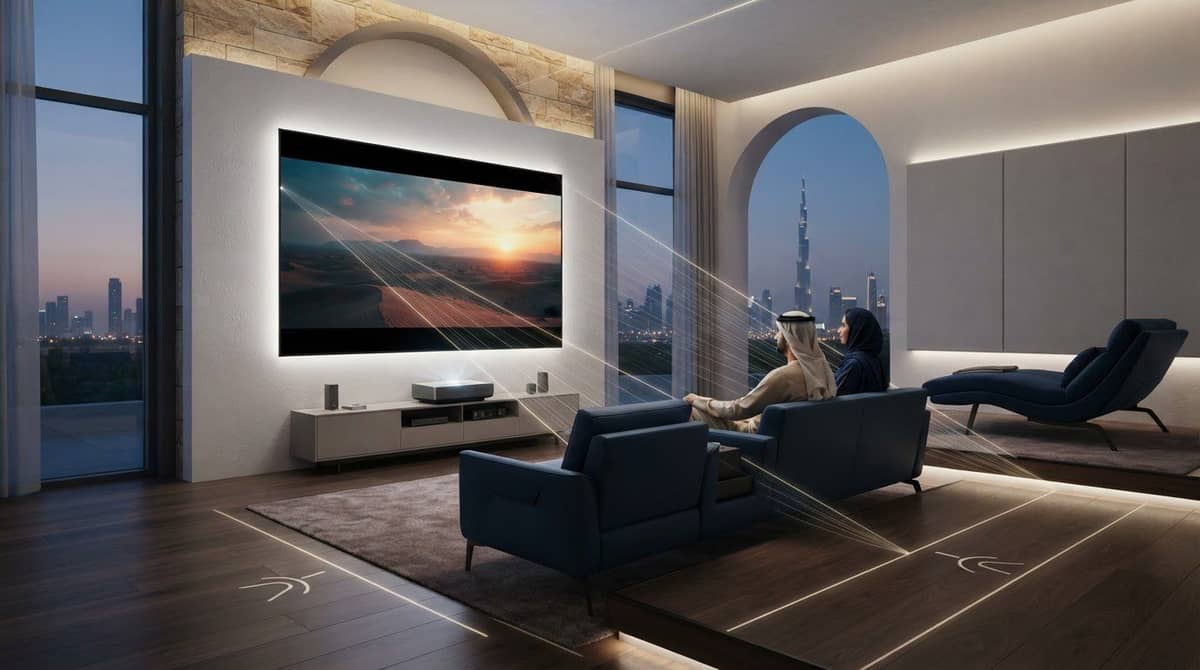
Could sitting a few feet too close make a 120-inch screen feel overwhelming, or sitting too far away make the picture feel less engaging? This 120 inch laser cinema screen viewing distance guide gives you a practical starting point: a common viewing range for a 120-inch screen is about 10 to 16 feet (3 to 4.9 metres). Your preferred level of immersion helps you decide where within that range to sit.
That range is a guide, not a one-size-fits-all rule. A 120-inch 16:9 screen is approximately 105 inches wide and 59 inches high, so room depth, seat position, projector image placement, and available wall space all matter. Resolution can affect how close you prefer to sit: 4K can support closer seating while preserving fine detail, while a farther seat may feel more relaxed for everyday viewing.
Use the screen dimensions to estimate a suitable distance, compare closer and farther seats, and plan around the room you actually have. The aim is a balanced setup with enough immersion to enjoy the large image and enough space to watch comfortably.
Key Takeaways
- Use the 120-inch diagonal as a starting point, then base your seat calculation on the screen’s actual width and the viewer’s eye position.
- This 120 inch laser cinema screen viewing distance guide compares closer, moderate, and farther seating as practical starting points, not universal rules.
- Measure room depth, screen-wall space, furniture, walkways, ceiling height, and sightlines before settling on a screen position.
- Test seating positions against the projected image size and resolution to balance immersion with visible detail.
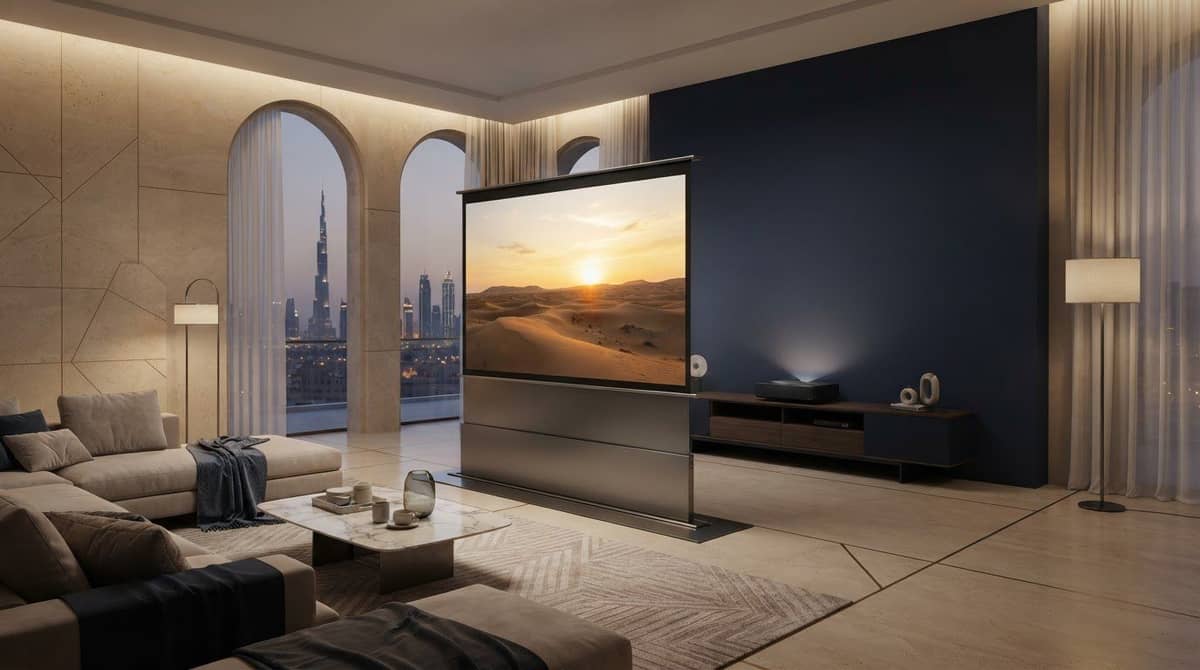
- Follow a clear planning sequence, then assess options such as the QMJM Cabinet ALR Floor-Rising Screen 120″ for your room and installation plan.
Table of Contents
- What viewing distance means for a 120-inch laser cinema screen
- Calculate a practical viewing distance for a 120-inch screen
- Compare close, moderate, and far seating for a 120-inch screen
- Measure your room before positioning a 120-inch cinema screen
- Choose a 120-inch screen and installation plan that fits your room
What viewing distance means for a 120-inch laser cinema screen
Viewing distance is the space between the screen plane and the viewer’s eyes. Measure from your seated eye position, not from the back of the sofa or the wall behind it. That measurement matters because even a small change in seat position affects how large the picture appears.
The 120-inch figure describes the screen’s diagonal measurement. It doesn’t tell you the screen’s width, how deep your room must be, or where the projector should go. Aspect ratio determines the active image’s width and height, so identify the format before planning your seats.
No single viewing distance suits every room and viewer. The same screen can feel immersive up close and more relaxed from farther away. Treat distance recommendations as starting points, then factor in your layout and comfort.
What are the dimensions of a 120-inch 16:9 screen?
For a 16:9 image, the width-to-height ratio is 16:9, and the diagonal follows the Pythagorean relationship: √(16² + 9²) = √337. To scale that ratio to a 120-inch diagonal, divide 120 by √337, which gives approximately 6.54 inches for each ratio unit. Then calculate:
- Width: 16 × 6.54 = approximately 104.6 inches (8.72 feet or 2.66 metres).
- Height: 9 × 6.54 = approximately 58.8 inches (4.90 feet or 1.49 metres).
These figures describe the active 16:9 image, not the full product. A frame or border can add to the screen’s overall width and height. A floor-rising screen’s cabinet also takes up physical space, so include its dimensions and placement in your room plan rather than relying on the image measurements alone.
Why does viewing distance change the screen experience?
Viewing angle describes how wide the image appears from your seat. It depends on the screen width compared with the distance from your eyes to the screen. Move closer and the image takes up more of your field of view. Move farther back and it takes up less. That’s why seats in the same room can deliver noticeably different levels of immersion.
For a useful comparison, keep the screen fixed and try sitting at different positions. Notice whether you can take in the whole image comfortably, whether you prefer a more enveloping view, and whether your posture stays relaxed during a longer programme. The Optimum HDTV viewing distance overview also explains how screen size and resolution factor into distance guidance, though the best position remains a personal choice.
Use a recommended distance as a first test, not a strict rule. Measure from your usual seated eye position to the screen plane, then compare closer and farther seats before finalising the layout. A tape measure and a temporary seat position can help you judge whether the planned screen feels balanced in your room.
Calculate a practical viewing distance for a 120-inch screen
A useful estimate takes three steps: establish the active image width, choose a viewing angle to test, then measure from the viewer’s eyes to the screen plane. For a 120-inch 16:9 image, the active width is approximately 104.6 inches, or 8.72 feet. If the screen uses a different aspect ratio, use its actual projected image width instead. The diagonal alone isn’t enough for this calculation.
Use screen width and viewing angle to estimate distance
The viewing angle is the horizontal span of the image as it appears from your seat. A wider screen or a closer seat creates a larger angle; moving farther away makes the image appear narrower. Keep width and distance in the same units for the formula:
Distance = screen width ÷ [2 × tan(viewing angle ÷ 2)]
For an illustrative 120-inch 16:9 screen, use a width of 104.6 inches. These examples show the geometry, not standards-based recommendations:
- 30° viewing angle: 104.6 ÷ [2 × tan(15°)] = approximately 195.6 inches, or 16.3 feet (4.97 metres).
- 36° viewing angle: 104.6 ÷ [2 × tan(18°)] = approximately 161.2 inches, or 13.4 feet (4.09 metres).
- 40° viewing angle: 104.6 ÷ [2 × tan(20°)] = approximately 143.9 inches, or 12.0 feet (3.66 metres).
Screen width and eye-to-screen distance together determine the viewing angle: increase the width or move closer, and the image occupies more of your horizontal view. Choose an angle to explore, calculate the distance, then measure from your seated eye position to the screen plane.
Treat distance recommendations as a starting range
Think of the calculated positions as options to test, not a verdict. A closer seat creates a more immersive, front-row feel. A middle position can balance immersion with an easy view of the full image. A farther seat gives you a wider overview and may feel more relaxed for casual viewing. Comfort, content, image resolution, and room layout all influence the final choice.
Try each feasible position with the same image. Check whether details remain clear and whether your eyes can follow the action comfortably. Resolution can affect how close you prefer to sit, so consider the projector as part of the seating decision. Sony’s recommended TV viewing distance discusses distance in relation to resolution and viewing conditions. For help comparing image sources, see this high-end 4K projector comparison.
Use this 120 inch laser cinema screen viewing distance guide to narrow down a workable seat, then check that it fits your room before fixing the screen placement. WIDE WAY COMPUTERS TRADING L.L.C provides projector screen installation to bring the screen position and seating layout together.
Compare close, moderate, and far seating for a 120-inch screen
There’s no universal best seat. A closer position makes the image feel larger and more enveloping, while sitting farther back gives you a broader, less intense view. Use the examples below to compare positions, not as standards or fixed recommendations. Your room depth, eyesight, image quality, and viewing habits all shape what feels right.
A closer seat brings more immersion; a farther seat offers a more relaxed, distant view. Try the positions in your room before committing to a permanent layout.
Compare possible seating positions
Position | Potential benefits | Trade-offs and room fit |
|---|---|---|
Closer, roughly 10 to 12 feet | The image fills more of your view, creating a stronger cinematic feel. | May suit a shallower room, but some image artefacts can be easier to notice. Comfort varies by viewer. |
Moderate, roughly 12 to 14 feet | Can balance an immersive image with a comfortable view of the full screen. | Needs enough room depth for the seat and a clear viewing path. Treat this as a position to test, not a guaranteed sweet spot. |
Farther, roughly 14 to 16 feet | Offers a wider overview and may feel more relaxed for casual viewing. | Requires greater room depth, and the image may feel less enveloping from this seat. |
These distances are illustrative seating options for planning, not universal ranges. If the closest position feels visually demanding, move back and reassess. If the farthest seat makes the screen feel less engaging, try an intermediate position rather than assuming the room needs a different screen.
What changes when you sit closer to the screen?
Moving closer increases the screen’s apparent size and the portion of your field of view it occupies. That can strengthen immersion, especially during films with wide scenes or fast action. It can also make imperfections more noticeable, such as compression artefacts, softness, uneven focus, or visible pixel structure. Not every viewer will see pixels or find close seating uncomfortable. Eyesight, image quality, resolution, and personal sensitivity all matter.
How resolution and content affect the seat you prefer
Projector resolution describes the image the device can display, but the source matters too. A high-resolution projector can’t restore fine detail missing from a lower-quality or heavily compressed video. At closer seats, those source limitations may be easier to spot; at farther seats, they may be less apparent.
Test more than one type of content from each intended seat. Choose a familiar film with fine detail, a fast-moving scene, and something you regularly watch, such as a programme or sports broadcast. Notice whether detail looks clear, whether movement feels comfortable to follow, and whether the screen still feels appropriately large. This 120 inch laser cinema screen viewing distance guide helps with planning; testing your own content helps narrow the choice.

Measure your room before positioning a 120-inch cinema screen
A suitable seat distance is only part of the layout. Before fixing the screen position, check the full room: available wall width, ceiling height, furniture, walkways, sightlines, and whether the projector can produce the intended image size. This guide is most useful when you compare the measurements with the way the room is actually used.
Use this checklist to record the essentials:
- Screen wall: Measure usable width and height, including space for borders, casing, or a floor-rising cabinet.
- Room depth: Measure from the planned screen surface to the nearest and farthest seating positions.
- Eye position: Sit in each seat and measure from the viewer’s eyes to the screen plane. Don’t measure from the back wall or sofa.
- Clearance: Account for furniture, door swings, walkways, and anything that could obstruct access or the view.
- Ceiling and sightlines: Check screen placement against ceiling height and confirm seated viewers can see the complete image without heads or furniture in the way.
Check seating, sightlines, and physical room depth
Measure the main seats and any secondary seats separately. A layout that works from the central sofa may leave a side seat with an awkward angle or a blocked view. Check the full projected image from each regular viewing position, including whether its top or bottom edge is obscured. For a floor-rising screen, include the cabinet or housing footprint in the floor plan, not just the image area.
Test the proposed seat before final installation
Mark the intended screen boundaries on the wall with removable tape, then place a temporary seat at the planned eye position. A temporary projected image can help you judge scale, while marked boundaries show how the screen relates to furniture and walkways. Test more than one seat and adjust the outline or seating until the arrangement works for the household.
Check the projector plan at the same time. Throw distance and lens placement affect whether the projector can produce the intended image size from its planned position. The lens location, room depth, and screen boundaries need to work together; a seat calculation alone can’t resolve a mismatch. Include projector placement early, before installation fixes the screen and equipment positions.
For a broader sequence covering room layout and equipment, use this step-by-step home cinema setup guide alongside your measurements. It helps bring seating, screen position, and projection planning into one practical plan.
Once the screen outline, seats, and projector image position align, WIDE WAY COMPUTERS TRADING L.L.C can complete the plan with professional projector screen installation.
Choose a 120-inch screen and installation plan that fits your room
A 120-inch screen is an option to assess, not a decision to make from the diagonal measurement alone. First confirm the room depth and usable screen area. Then test likely seats, check that the projector can form the intended image from its planned position, and choose a screen that fits the complete layout. This sequence helps prevent a large image from dominating the room or landing where sightlines and furniture make viewing awkward.
When a 120-inch screen may suit your cinema room
A 120-inch screen may suit the room if the nearest and farthest regular seats provide comfortable views, the image fits the available wall area, and viewers can see the full picture without obstructions. Household preference matters too. Some viewers favour a more enveloping image, while others prefer a more distant, relaxed view. Use your seat tests, rather than the diagonal size alone, to judge the fit.
Keep the image size separate from the installation footprint. The diagonal describes the image, but borders or a cabinet can take up additional space. The QMJM Cabinet ALR Floor-Rising Screen 120″ is a 120-inch screen option. Plan around the screen and cabinet’s actual placement needs, without assuming that the diagonal tells you their full dimensions.
Plan the screen and installation as one system
The screen position, projected image, seating, and room layout need to work together. A screen may fit the wall yet still be poorly placed for the seats, or the projector may not produce the intended image size from its planned location. Resolve these relationships before installation so screen placement follows the measured room plan.
Use this final room-fit checklist before choosing:
- Confirm the usable room depth from the screen plane to the viewer’s eye positions.
- Check that the image area and screen footprint fit the wall and surrounding space.
- Test the nearest and farthest seats for comfort, full-image visibility, and unobstructed sightlines.
- Check the projector’s planned lens position and image size against the selected screen position.
- Make sure furniture and walkways remain practical after the screen is placed.
These checks turn a 120 inch laser cinema screen viewing distance guide into a room-specific plan. WIDE WAY COMPUTERS TRADING L.L.C sells projector screens and provides professional projector-screen installation, connecting screen selection with placement in the room.
Explore projector screens and installation to take the next step from room measurements to a screen and installation plan suited to your layout.
Turn your room plan into a cinema setup
Turn your measurements into a clear installation plan. Keep a simple room sketch with the intended screen outline, seating positions, and projector location. This gives you a practical reference as you consider image size and how the setup will work for everyone who uses the room.
A 120-inch option is worth considering when it suits your layout and viewing preferences. WIDE WAY COMPUTERS TRADING L.L.C offers projector screens and professional installation, including the QMJM Cabinet ALR Floor-Rising Screen 120″. Projector options include Sony, BenQ, and LG, so you can consider the image source alongside the screen and room plan.
Use this 120 inch laser cinema screen viewing distance guide as a starting point, then move from estimates to a layout tailored to your space. Explore projector screens and professional installation and take the next step toward a cinema setup that feels right at home.
Frequently Asked Questions
How far should you sit from a 120-inch screen?
There’s no single distance that suits every viewer. Use the screen’s actual image width and your preferred viewing angle to estimate a starting position, then compare it with your room depth. The useful test is how the picture feels from your actual seat. Measure from eye level in your usual posture, especially if you recline, and try familiar content before settling on a position.
Is a 120-inch screen too big for a small room?
It depends on usable depth, seat positions, sightlines, and the image size the projector can produce. A room’s overall length can be misleading if a doorway, console, or circulation space reduces the usable area. Mark a temporary screen outline and sit in the intended places to assess the scale. If the image feels overwhelming or furniture interrupts the view, adjust the screen position or seating plan before installation.
Can you sit too close to a 120-inch projector screen?
Yes. A very close seat makes the picture occupy more of your field of view, and image artefacts may become easier to notice. There isn’t one minimum distance that applies to everyone. Test the actual projector image from several seats, including the closest one you’re considering. Use content you know well, then choose the nearest position that lets you watch comfortably without distraction.
What is the width of a 120-inch 16:9 screen?
A 120-inch diagonal 16:9 image is approximately 105 inches wide and 59 inches high. Those estimates describe the image area, not the screen’s full outside dimensions. Borders and casing can add to the space required, and a floor-rising model may also have a cabinet footprint. Before planning wall clearance or furniture placement, use the exact aspect ratio and the product’s physical measurements.
Does 4K resolution let you sit closer to a 120-inch screen?
It can preserve visible detail at a closer seat, but 4K doesn’t guarantee that close viewing will suit every person or room. The video source also matters: a lower-quality or compressed stream may look less detailed than the projector’s resolution suggests. Compare the same scene from different seats using the content you usually watch. Your eyesight, image quality, and comfort all help determine the preferred position.
How do you measure viewing distance for a projector screen?
Measure from the screen surface to the seated viewer’s eye position, not to the sofa back or rear wall. Sit in your usual viewing posture and have someone measure to eye level. Repeat this for the main seats, since a side chair may sit closer or farther than the centre seat. Note obstacles, sightlines, and screen housing too, then keep the layout adjustable until you’ve tested real content.