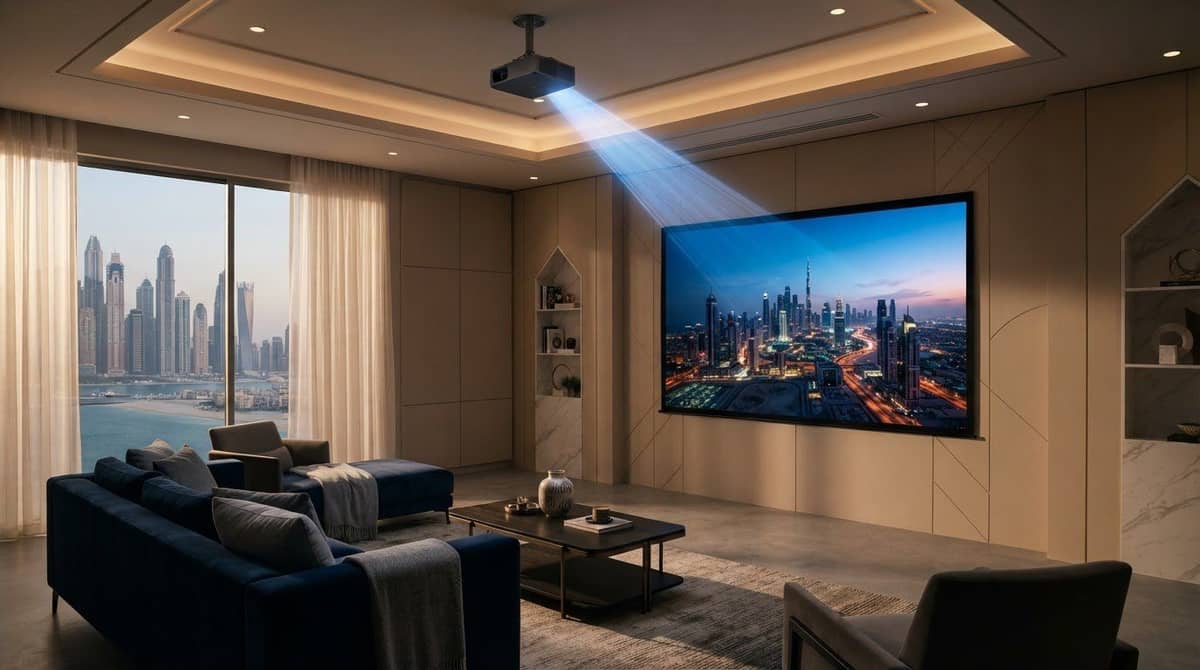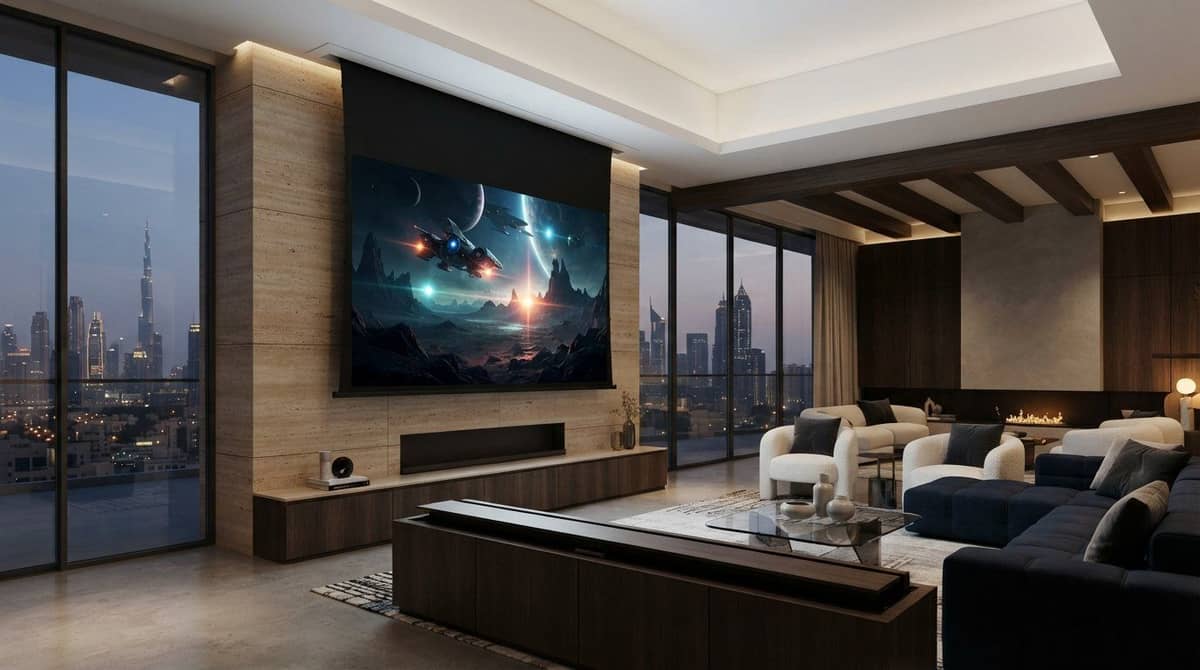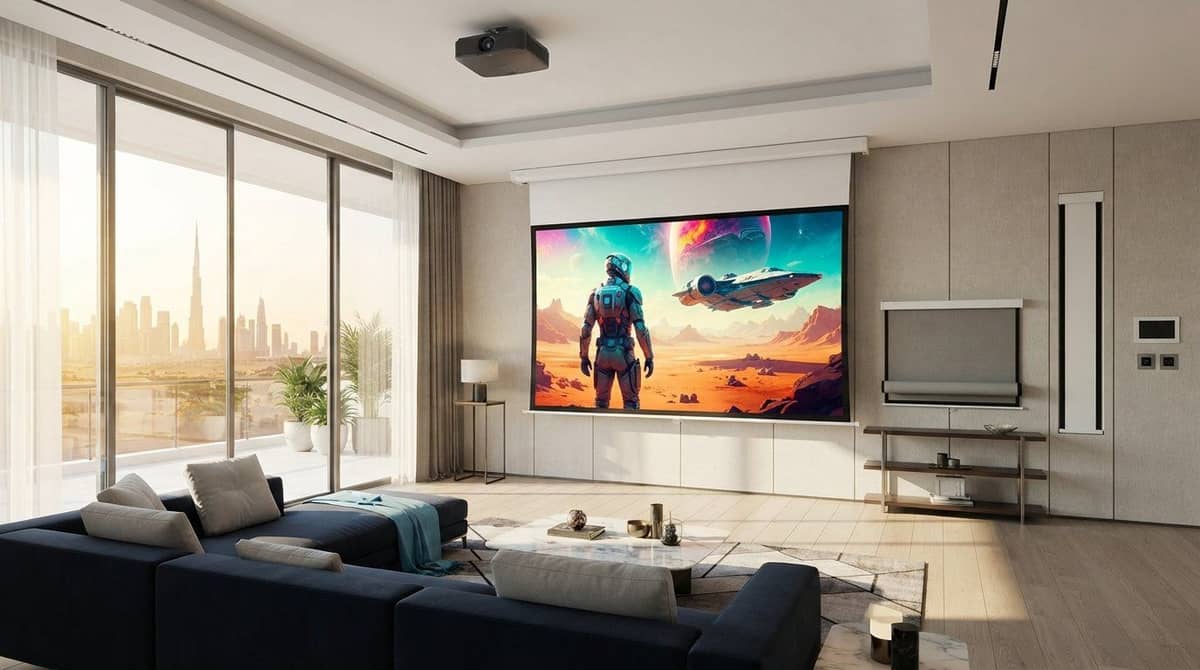
ALR Projector Screen: How to Choose and Use One
Looking for the best alr projector screen? Discover how ambient light rejection works, compare UST options, and choose the right display for your home cinema.
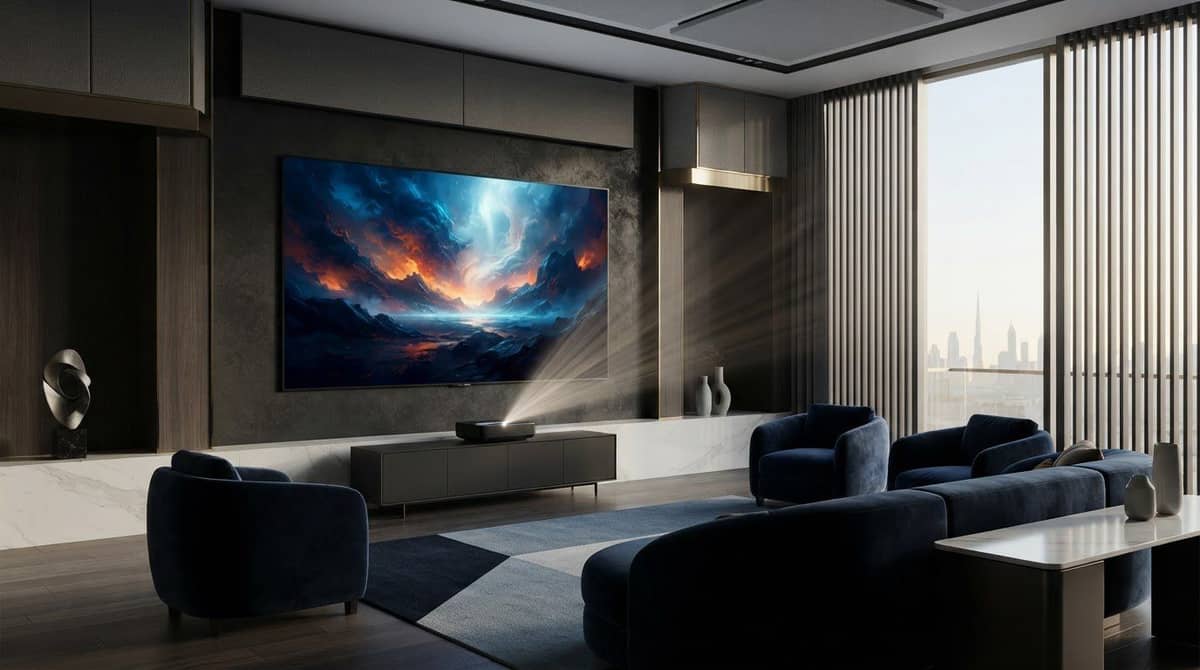
A brighter projector isn’t always the answer to a washed-out image. If light enters your room during viewing, an alr projector screen may help preserve contrast, but only if its light-rejection design suits the projector and its position. The wrong match can leave the picture dim or uneven.
An ALR screen can reduce the effect of some ambient light, but it can’t cancel direct sunlight or replace a projector with suitable brightness. Room lighting, screen material, viewing angle and projector placement all matter. Before comparing screens, think about when you watch, which lights are on and where viewers sit.
This guide explains how ALR technology works, what affects its performance and how to decide whether it fits your setup. You’ll learn why ultra-short-throw projectors need a compatible screen design, how viewing angles affect the picture and what to plan before installation. Matching the screen to your room and projector helps you make a more informed choice for your home cinema.
Key Takeaways
- An alr projector screen can reduce the effect of some room light, but performance depends on the direction of the light and where viewers sit.
- Assess your room’s lighting, then identify your projector type and placement before comparing screens.
- Plan the projector path, screen position, power access and seating before installation to avoid alignment and orientation issues.
- Consider room-light control, projector compatibility and seating layout together when deciding whether ALR is a suitable fit.
- In some rooms, managing the light may be a simpler first step than choosing a specialised screen.
Table of Contents
- What Is an ALR Projector Screen, and What Does It Actually Do?
- How ALR Projector Screens Control Light, and Where Their Limits Begin
- How to Match an ALR Screen to Your Projector and Room
- How to Prepare for ALR Projector Screen Installation
- Choosing an ALR Projector Screen for a Complete Home-Cinema Setup
What Is an ALR Projector Screen, and What Does It Actually Do?
An ALR projector screen has a directional surface designed to reflect projected light towards viewers while reducing the effect of some ambient light arriving from other directions. ALR stands for ambient light rejection. The important word is “some”: results depend on the screen material, the direction of the light, projector placement and viewing position. ALR does not eliminate every reflection or make room lighting irrelevant.
Imagine a living room where the projector faces the screen from the seating area and daylight enters through a side window. The projector sends the image to the screen, while daylight can lower perceived contrast. A suitable ALR surface may reduce the effect of light arriving from certain angles. Light from other directions can still affect the picture, depending on the surface design.
How an ALR screen differs from a standard white screen
A conventional matte white screen generally scatters projected light across a broad viewing area. That can suit rooms where people watch from different angles, but room light can also reflect from the surface and compete with the image. The basic principles and screen types are outlined in Projection Screen Technology.
ALR surfaces use optical structures or layers that favour particular light paths instead of treating every incoming angle alike. Designs vary: one may be intended to manage light from overhead, while another is made for a different projector position. “ALR” describes a category, not one standard performance shared by every screen.
When an ALR projector screen can be useful
An ALR projector screen may suit a living room where daylight or several light sources can’t always be controlled during viewing. For example, a side window or ceiling lights may remain on while family members watch a programme. Depending on the screen design and room layout, its directional surface can reduce the effect of some of that light.
Placement matters. The projector needs to send its image along a path the screen is designed to reflect, and viewers need to sit within a useful viewing area. If projector, screen and seating positions don’t work together, brightness may look uneven or viewers off to the side may get a less satisfying view.
Keep expectations realistic. ALR can improve viewing conditions, but it doesn’t add brightness to the projector or make a brightly lit room equivalent to a dark theatre. Direct light on the screen can remain distracting, and adjusting the room lighting may still help. Treat ALR as one part of the setup, alongside projector position, viewing angles and practical light control.
How ALR Projector Screens Control Light, and Where Their Limits Begin
An ALR surface doesn’t brighten the projector’s image. It manages how light is reflected, favouring certain directions and reducing the effect of light arriving from others. This distinction matters: a screen may help preserve perceived contrast when competing light is present, but it can’t increase the projector’s output or make a dim image brighter.
ALR performance depends on the alignment of room light, projector, screen and seating. A screen that works well in one layout may perform differently if the projector moves, the seating shifts or the room lighting changes. Because each material has its own optical design, ALR screens aren’t interchangeable.
Why projector and room geometry matter
The projector’s throw direction determines the angle at which image light reaches the screen. A screen designed for a particular projection arrangement needs to receive that light along the intended path. A mismatch can affect brightness or uniformity. Standard long-throw and ultra-short-throw projectors send light from very different positions, so screen compatibility and alignment matter.
Room light also arrives from different directions. Daylight may enter through a side window, ceiling lights shine down, and a lamp may sit beside the seating area. Pale walls or glossy furnishings can reflect light towards the screen from unexpected directions. Consider the whole room, not just its brightest window.
Include seating in the plan. Some ALR designs have a narrower ideal viewing area than a conventional white screen. Viewers well off-centre may see a different level of brightness or image quality. Before choosing or positioning an alr projector screen, note where the projector will sit and where people will watch. The screen can direct light usefully only when these positions work together.
What an ALR screen cannot fix
An ALR screen can’t compensate for a projector that doesn’t suit the room or image size, and it can’t prevent all unwanted light from affecting the picture. Direct light on the screen can still reduce visibility. Reflections from walls and furnishings can add light even when the original source isn’t aimed at the screen.
Use three controls together: manage room lighting where practical, position the projector appropriately and choose a screen material suited to the projector and room. Dimming lights or reducing daylight may help more than relying on the screen alone. You can also adjust projector settings for the viewing environment, although settings don’t change the projector’s underlying light output.
Consider screen choice and installation geometry together. Projector-screen installation helps preserve the screen’s intended orientation and alignment with the projector and seating.
How to Match an ALR Screen to Your Projector and Room
Assess the room and equipment before comparing screen materials. The goal isn’t to choose any screen labelled “ALR” and assume it will suit every setup. Projector type, throw direction, everyday lighting and seating all influence which screen category makes sense.
Use this sequence to build a practical shortlist for your alr projector screen:
- Assess the room light. Note which direction daylight enters, how windows are covered, where ceiling lights and lamps sit, and when you usually watch. Separate lights you can dim or switch off from conditions that are part of everyday use. This gives you a more realistic picture than judging the room only at night.
- Identify the projector type. Establish whether your projector is standard throw or ultra-short throw (UST). These projectors send light towards the screen from different positions, so their screen designs aren’t automatically interchangeable. If you’re comparing projectors, high-end 4K projector comparisons can help you understand equipment choices before you settle on a screen.
- Map projector and screen placement. Mark the screen location and the projector’s planned position, including the direction the image will approach the surface. Check the projector’s throw requirements against the available room space, then compare that path with the screen’s intended light-rejection geometry. Moving the projector can change whether the screen is a suitable match.
- Check the seating layout. Mark the main seats, including any well to the sides of the screen. Consider whether most viewing happens from the centre or across a wide seating area. Some ALR surfaces have a narrower ideal viewing area than standard white screens, so seating can influence the choice as much as the projector.
- Compare screen categories. Use your room and equipment notes to compare standard ALR options with categories designed for particular projection arrangements. Some CLR screens are intended for UST projectors and ceiling-light control, but suitability depends on the specific screen and setup. Compare Fresnel and standard materials separately once you’ve identified the right category.
Keep the equipment details with your room notes: projector type, planned position, throw direction, screen location and seating angles. These details inform the decision; the ALR label alone doesn’t establish compatibility. Pay particular attention to geometry if you’re using a UST projector, have a wide seating area or can’t control the lighting.
This process also helps distinguish between a screen-category issue and a room-lighting issue. If you can easily manage a light source, changing how you use it may be simpler than choosing a more specialised surface. If light is part of the room’s normal use, compare screen categories against those everyday conditions rather than an idealised dark-room scenario.

How to Prepare for ALR Projector Screen Installation
Good installation starts before the screen is mounted. With an ALR projector screen, position and orientation matter because the surface is designed to work with a particular direction of projected light. Planning ahead helps avoid conflicts with the room and makes it easier to assess the finished image.
Measurements and placement to settle in advance
Record the intended screen area and check that the planned image size works with the room’s viewing layout. Include the main seating positions, not just the available wall space. Furniture, wall features and everyday sightlines can affect where the screen fits comfortably.
- Wall and screen position: Identify the usable wall area and any features that could interfere with placement or the viewing surface.
- Projector position and throw path: Mark where the projector will sit and the path its image will take to the screen. Keep the plan consistent with the projector type and the screen’s intended orientation.
- Light sources: Note windows, ceiling lights and lamps that may shine directly towards the screen. This helps you plan around controllable light and understand typical viewing conditions.
- Power access: Consider where power is available for the projector and any powered screen components. Include access in the room layout without assuming a particular electrical specification.
- Seating and sightlines: Check the view from the main seats and account for furniture or other obstacles between viewers, projector and screen.
For a broader view of how these decisions fit into the room, use this step-by-step home cinema setup guide alongside your installation plan.
Installation and first-viewing checks
During installation, preserve the screen’s intended orientation and alignment. A surface designed to direct light along a particular path may not perform as intended if it is turned or positioned incorrectly. Consider the projector’s relationship to the screen too, rather than finalising the screen location without checking the planned throw path and seating.
Once everything is set up, test the image from the main seats under your usual lighting conditions. Check whether the picture looks consistent from the centre and other regular viewing positions. If visibility is disappointing, adjust controllable room lighting and review projector settings before judging the screen itself. This helps distinguish a setup issue from a mismatch between the screen, projector and room.
Plan your projector-screen installation around the wall, throw path, power access and seating. A considered layout supports the screen’s intended geometry and makes the first viewing more straightforward.
Choosing an ALR Projector Screen for a Complete Home-Cinema Setup
Choose a screen as part of the AV system, not as a stand-alone fix for bright conditions. The right fit depends on how much room light you can control, where the projector can go, where people sit and how the screen will be installed. Use the comparison below to identify what to consider before narrowing down an alr projector screen category.
A quick decision framework for common room conditions
Start with everyday use, not an idealised viewing setup. A room used mostly after dark calls for a different balance of priorities than a living room where daylight or lights remain on. Compare screen behaviour with projector placement and seating, then consider whether managing the light could be the simpler first adjustment.
Room or setup factor | What to consider |
|---|---|
Light is controllable and viewing is occasional | Compare the need for ALR with a standard screen as part of the full setup. If curtains or lighting can readily manage the room, consider those options before choosing a specialised surface. |
Ambient light is present during normal viewing | Prioritise screen geometry and projector compatibility. The screen needs to suit the direction of projected light as well as the light entering the room. |
Seating spans a wide area | Consider viewing angles alongside light rejection. A screen suited to a central seat may not offer the same viewing experience from seats far to the side. |
Placement or mounting options are limited | Account for the available wall or screen position, projector location, throw path and power access. These constraints can shape which screen format is practical. |
This framework narrows the category, but it doesn’t replace checking the particular screen’s intended use. Detailed Fresnel-versus-standard material comparisons belong in a dedicated guide. Here, the priority is matching the screen type to the room and projector arrangement.
Plan the screen as part of the wider AV system
Consider projector capabilities, room layout and household viewing habits together. A setup used for group viewing may need to accommodate a wider spread of seats, while a projector with a specific placement may call for a compatible screen design. Screen size and location should also work with sightlines and the room’s normal use.
WIDE WAY COMPUTERS TRADING L.L.C offers ALR projector screens and professional screen installation. Considering product selection and installation together keeps orientation, projector alignment and seating in view as the cinema setup takes shape.
Explore ALR projector screen solutions and consider how the screen fits your complete home-cinema plan.
Turn Your Room Plan Into a Cinema Setup
Turn your room layout into a clear system plan. Think about how the space is used throughout the day, where viewers naturally sit and how the projector can be positioned. These details help make an alr projector screen part of a setup designed for everyday viewing, rather than a stand-alone fix for one lighting issue.
WIDE WAY COMPUTERS TRADING L.L.C offers ALR and CLR projector screens, professional projector-screen installation, and projectors from Sony, BenQ and LG. Planning screen choice, projector matching and placement together can help create a more coherent home-cinema setup.
Use your room and equipment requirements to guide the next decision. Explore ALR projector screen solutions and take the next step towards a setup that fits your space and viewing habits.
Frequently Asked Questions
Does an ALR projector screen make the image brighter?
No. An ALR screen doesn’t increase a projector’s light output. Its surface directs selected light towards viewers, which may help the image remain more visible under certain lighting conditions. If a picture looks dim, check whether the projector’s brightness suits the room and image size, along with its settings and the room lighting. The screen and projector need to be considered as a pair.
Can an ALR projector screen work with any projector?
No. Suitability depends partly on projector type and position. Ultra-short-throw models, for example, send light to the screen from close to the wall and generally need a screen designed for that geometry. Before choosing an alr projector screen, identify the projector type and planned position, then compare them with the screen’s intended use. A mismatch can affect image brightness or uniformity.
Is an ALR screen useful in a dark home cinema?
It can be, but it may not be the most suitable choice for a room that can be kept dark. A conventional matte white screen may offer a wider viewing area and accurate colour in a dedicated theatre. The deciding factors are your priorities and setup, including whether you value light management or broad off-centre viewing more.
Does an ALR projector screen replace blackout curtains?
No. Blackout curtains can reduce daylight entering through windows, while an ALR screen manages how some incoming light is reflected. They address different parts of the viewing environment. If strong daylight falls directly on the screen, the picture may still be difficult to see. Where practical, combine window coverings or lighting adjustments with a screen suited to the projector and room.
Can viewers sit at an angle to an ALR projector screen?
Yes, but the experience can change with the screen material and viewing angle. Some ALR designs have a narrower ideal viewing area than standard white screens, so people seated far to the side may see lower brightness or colour differences. If your room has sofas along multiple walls or a broad seating row, compare the screen’s viewing area with those usual seats before deciding.
How do I know if my room needs an ALR projector screen?
Consider one if you regularly watch with daylight or room lights that can’t be fully controlled and the projected image appears washed out. Observe the room at your usual viewing time, noting which lights are on and whether you use window coverings. If you can darken the space easily, improving light control may be enough. The room’s normal use is a better guide than a single test in darkness.
What should I check before installing an ALR projector screen?
Check the usable wall area, planned screen position, projector type and throw path, seating sightlines, nearby light sources and power access. Make sure the screen’s intended orientation can be maintained. These details help prevent the projector and screen from being placed at incompatible angles. After installation, assess the picture from the main seats under typical lighting, then adjust controllable lights and projector settings as needed.